


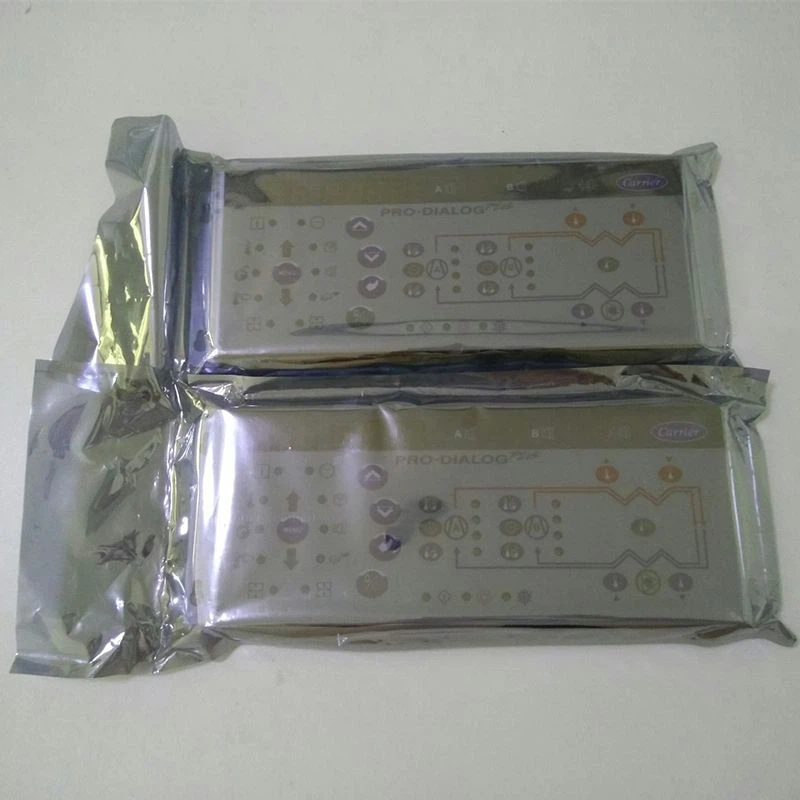
As a seasoned touch screen supplier, I've witnessed firsthand the myriad issues that can lead to touch screen malfunctions. These problems can range from minor glitches to complete system failures, causing significant disruptions for users. In this blog, I'll delve into the common causes of touch screen malfunctions, drawing on my experience in the industry and the knowledge of the products we offer, such as the Carrier Touch Screen, Carrier TCarrier Touch Screen Oopsg001652200A, and Carrier CEPL131228-01-R-S 4.3 "PIC6 Touch Screen.
Physical Damage
One of the most obvious causes of touch screen malfunction is physical damage. A cracked or shattered screen can disrupt the electrical signals that allow the touch screen to detect input. Even a small scratch can interfere with the touch screen's sensitivity, making it difficult or impossible to use. This type of damage can occur due to accidental drops, impacts, or pressure on the screen.
For example, if a user drops their device on a hard surface, the force of the impact can cause the glass or plastic overlay of the touch screen to crack. In some cases, the internal components of the touch screen may also be damaged, leading to more severe malfunctions. Similarly, applying too much pressure on the screen, such as pressing down with a sharp object, can cause scratches or damage to the touch sensors.
To prevent physical damage, it's important to use protective cases and screen protectors. These accessories can absorb the impact of a fall or protect the screen from scratches. Additionally, users should handle their devices with care and avoid placing them in situations where they are likely to be damaged.
Liquid Damage
Liquid damage is another common cause of touch screen malfunction. Water, sweat, or other liquids can seep into the touch screen and damage the electrical components. This can cause the screen to become unresponsive, glitchy, or display incorrect colors.
For instance, if a user spills a drink on their device or accidentally drops it in water, the liquid can penetrate the touch screen and short-circuit the sensors. Even exposure to high humidity can cause moisture to accumulate inside the device, leading to corrosion and damage over time.
To prevent liquid damage, it's important to keep devices away from liquids and avoid using them in wet environments. If a device does come into contact with liquid, it should be dried immediately using a soft, absorbent cloth. In some cases, it may be necessary to take the device to a professional for repair.
Software Issues
Software issues can also cause touch screen malfunctions. Outdated or corrupted software can interfere with the touch screen's functionality, causing it to freeze, lag, or become unresponsive. This can occur due to a variety of factors, such as bugs in the operating system, incompatible apps, or incorrect settings.

For example, if a user installs an app that is not compatible with their device's operating system, it may cause the touch screen to malfunction. Similarly, if the operating system has a bug or glitch, it can affect the touch screen's performance.
To prevent software issues, it's important to keep devices up-to-date with the latest software updates. These updates often include bug fixes and performance improvements that can help resolve touch screen problems. Additionally, users should only install apps from trusted sources and avoid downloading apps that have a lot of negative reviews.
Electrical Interference
Electrical interference can also cause touch screen malfunctions. This can occur when the touch screen is exposed to electromagnetic fields, such as those generated by other electronic devices or power sources. Electrical interference can disrupt the electrical signals that allow the touch screen to detect input, causing it to become unresponsive or glitchy.
For instance, if a user places their device near a microwave oven or a high-powered electrical device, the electromagnetic fields generated by these devices can interfere with the touch screen's functionality. Similarly, using a device in an area with a lot of electrical noise, such as a factory or a construction site, can also cause problems.
To prevent electrical interference, it's important to keep devices away from sources of electromagnetic fields. Users should also avoid using their devices in areas with a lot of electrical noise. If possible, they should use a device that has built-in electromagnetic shielding to reduce the effects of interference.
Calibration Issues
Calibration issues can also cause touch screen malfunctions. Over time, the touch screen may become misaligned or out of calibration, causing it to register touches in the wrong location. This can make it difficult or impossible to use the device accurately.
For example, if a user frequently uses their device with a stylus or their fingers, the touch screen may become misaligned over time. Similarly, if the device is dropped or subjected to a hard impact, it may cause the touch screen to become out of calibration.
To prevent calibration issues, it's important to calibrate the touch screen regularly. Most devices have a built-in calibration tool that allows users to adjust the touch screen's sensitivity and alignment. If the touch screen is still not working properly after calibration, it may be necessary to take the device to a professional for repair.
Hardware Failures
In some cases, touch screen malfunctions may be caused by hardware failures. This can occur due to a variety of factors, such as manufacturing defects, component wear and tear, or overheating. Hardware failures can cause the touch screen to stop working completely or exhibit other serious problems.
For example, if a touch screen has a manufacturing defect, it may start to malfunction shortly after purchase. Similarly, if the touch screen's components are worn out or damaged due to normal use, it may cause the screen to become unresponsive or glitchy. Overheating can also cause hardware failures, as it can damage the electrical components and cause them to malfunction.
To prevent hardware failures, it's important to purchase devices from reputable manufacturers and follow the manufacturer's recommended maintenance procedures. Users should also avoid overheating their devices by using them in well-ventilated areas and avoiding prolonged use in hot environments.
Conclusion
In conclusion, there are many factors that can cause touch screen malfunctions, including physical damage, liquid damage, software issues, electrical interference, calibration issues, and hardware failures. As a touch screen supplier, we understand the importance of providing high-quality products that are reliable and durable. We offer a wide range of touch screens, including the Carrier Touch Screen, Carrier TCarrier Touch Screen Oopsg001652200A, and Carrier CEPL131228-01-R-S 4.3 "PIC6 Touch Screen, that are designed to meet the needs of our customers.
If you're experiencing touch screen problems, we encourage you to contact us to discuss your options. Our team of experts can help you identify the cause of the problem and recommend the best solution. Whether you need a replacement touch screen or a repair service, we're here to help. Contact us today to learn more about our products and services and to start the procurement process.
References
- "Touch Screen Technology: How It Works and Its Applications." TechTarget.
- "Common Causes of Touch Screen Malfunctions." Lifewire.
- "Preventing Touch Screen Damage: Tips and Tricks." PCMag.


