


Hey there! As a control board supplier, I've seen my fair share of control board issues. Troubleshooting a control board can be a real headache, but with the right approach, you can get to the root of the problem and fix it. In this blog, I'm gonna share some tips and tricks on how to troubleshoot a control board like a pro.
Understanding the Basics
First things first, you need to have a basic understanding of how a control board works. A control board is like the brain of a system. It receives input signals from various sensors, processes that information, and then sends output signals to control different components. For example, in an HVAC system, the control board might receive temperature readings from a thermostat and then send signals to the compressor and fan to adjust the temperature.
If you're dealing with a specific control board, it's a good idea to get the manual. The manual will give you a detailed diagram of the board, including the location of components and their functions. This can be super helpful when you're trying to figure out what's going on.
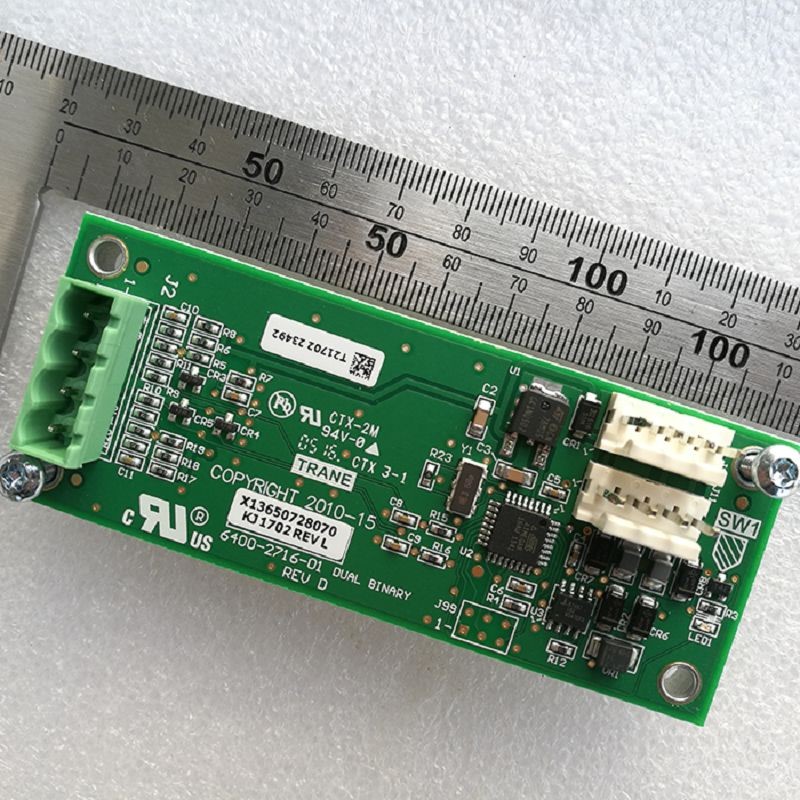
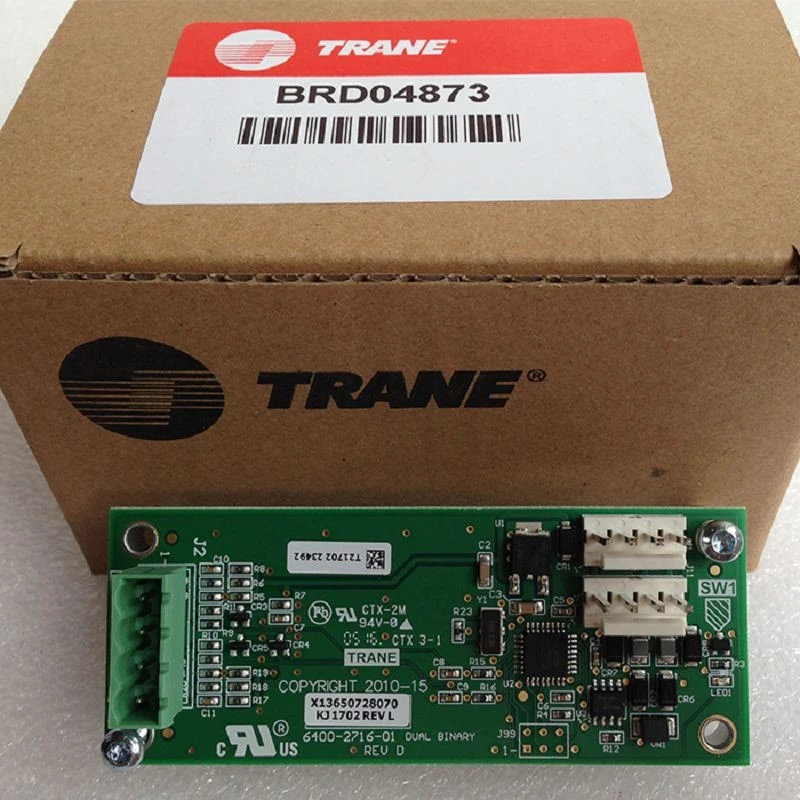
Visual Inspection
The first step in troubleshooting is always a visual inspection. Take a close look at the control board for any obvious signs of damage. Look for burnt components, cracked solder joints, or loose wires. Sometimes, the problem can be as simple as a loose connection.
If you see any burnt components, that's a clear sign that something has gone wrong. Burnt components are usually caused by overheating, which can be due to a short circuit or a power surge. In this case, you'll need to replace the burnt component.
Checking the Power Supply
The next thing you need to do is check the power supply. A control board won't work properly if it's not getting the right amount of power. Use a multimeter to check the voltage at the power input of the control board. Make sure the voltage is within the range specified in the manual.
If the voltage is too low, it could be a problem with the power source or the wiring. Check the circuit breaker or fuse to make sure it's not tripped. If the voltage is too high, it could damage the control board. In this case, you'll need to find out what's causing the high voltage and fix it.
Testing the Components
Once you've checked the power supply, it's time to start testing the individual components on the control board. You can use a multimeter to test resistors, capacitors, and diodes. Each component has a specific resistance or capacitance value, and you can compare the measured value with the value specified in the manual.
For example, if you're testing a resistor, set your multimeter to the resistance mode and measure the resistance of the resistor. If the measured value is significantly different from the specified value, the resistor is probably faulty and needs to be replaced.
Using a Logic Analyzer
If you're dealing with a more complex control board, you might need to use a logic analyzer. A logic analyzer is a tool that can capture and display the digital signals on a control board. This can help you identify problems with the communication between different components.
For example, if you're having trouble with the communication between the control board and a sensor, a logic analyzer can show you if the signals are being sent and received correctly. If the signals are corrupted or missing, you'll need to figure out what's causing the problem.
Common Problems and Solutions
Here are some common problems you might encounter when troubleshooting a control board and their solutions:
- No power: Check the power supply, circuit breaker, and fuse. Make sure the wiring is connected properly.
- Intermittent operation: This could be due to a loose connection or a faulty component. Check all the connections and test the components.
- Error codes: Many control boards have built-in diagnostic systems that display error codes. Look up the error code in the manual to find out what's wrong.
Specific Control Boards
Let's take a look at some specific control boards. For the York 331-02430-601 OPTIVIEW MICROBOARD, it's often used in HVAC systems. If you're having trouble with this board, start with a visual inspection and check the power supply. Make sure all the sensors are connected properly.
The York 031-01095-002 Power Board is another important component in an HVAC system. If this board is not working properly, it can cause the entire system to shut down. Check the power input and output of the board, and look for any signs of damage.
The Trane Control Board is also widely used in HVAC systems. It's a complex board with many components. If you're having trouble with this board, it's a good idea to get the help of a professional if you're not experienced with electronics.
When to Call in the Professionals
Sometimes, troubleshooting a control board can be too complicated for the average person. If you've tried all the steps above and you still can't figure out what's wrong, it might be time to call in a professional. A professional technician will have the experience and tools to diagnose and fix the problem quickly.
Conclusion
Troubleshooting a control board can be a challenging but rewarding process. By following these steps, you can increase your chances of finding and fixing the problem. Remember, safety is always the top priority when working with electronics. If you're not sure what you're doing, it's better to call in a professional.
If you're in the market for a new control board or need replacement components, we're here to help. We offer a wide range of high-quality control boards at competitive prices. Contact us for more information and to start a purchase negotiation.
References
- Control board manuals from various manufacturers
- Electronics textbooks on circuit analysis and troubleshooting


