


Hey there! As a logic board supplier, I've seen firsthand the importance of having the right tools when working on these intricate pieces of technology. Logic boards are the brains of many electronic devices, from smartphones to industrial equipment, and getting the job done right requires a specific set of tools. In this blog post, I'm going to share with you the essential tools you need to work on a logic board.
Soldering Iron and Solder
One of the most fundamental tools for working on a logic board is a soldering iron. A good soldering iron allows you to make and break electrical connections on the board. You'll want to choose a soldering iron with adjustable temperature settings, as different components on the logic board may require different soldering temperatures. A temperature range of 300°C to 450°C is usually sufficient for most logic board work.
Along with the soldering iron, you'll need solder. Solder is a metal alloy that melts at a relatively low temperature and is used to join electronic components to the board. For logic board work, it's best to use a fine-gauge solder, typically 0.5mm to 0.8mm in diameter. Lead-free solder is also a good choice, as it's more environmentally friendly.
Desoldering Pump or Wick
When you need to remove a component from the logic board, a desoldering pump or wick comes in handy. A desoldering pump is a handheld device that creates a vacuum to suck molten solder away from the joint. It's a quick and efficient way to remove solder, especially from larger joints.
On the other hand, desoldering wick is a braided copper wire that absorbs molten solder. You place the wick over the solder joint, heat it with the soldering iron, and the solder is drawn into the wick. Desoldering wick is great for removing small amounts of solder or for cleaning up excess solder after a component has been removed.
Tweezers
Tweezers are essential for handling small components on the logic board. You'll need a pair of fine-tipped tweezers to pick up and place components like resistors, capacitors, and integrated circuits. Look for tweezers with anti-static properties to prevent damage to sensitive electronic components.
Multimeter
A multimeter is a versatile tool that allows you to measure various electrical properties, such as voltage, current, and resistance. When working on a logic board, a multimeter can help you troubleshoot problems by testing the electrical connections and components. You can use it to check for continuity, measure the voltage across a component, or test the resistance of a resistor.
Magnifying Glass or Microscope
Logic boards are often packed with tiny components, and it can be difficult to see what you're doing without some magnification. A magnifying glass or microscope can help you get a closer look at the board and identify any issues. A handheld magnifying glass with a high magnification power, such as 10x or 20x, is a good option for general inspection. For more detailed work, a stereo microscope can provide even greater magnification and depth of field.
Anti-Static Mat and Wrist Strap
Static electricity can damage sensitive electronic components on the logic board. To prevent static discharge, it's important to use an anti-static mat and wrist strap. An anti-static mat provides a safe surface to work on, while a wrist strap grounds you to the mat, preventing the buildup of static electricity on your body.
Screwdrivers
Depending on the type of device the logic board is in, you may need a set of screwdrivers to open the case and access the board. Different devices use different types and sizes of screws, so it's a good idea to have a variety of screwdrivers on hand, including Phillips, flathead, and Torx screwdrivers.
Hot Air Rework Station
For more advanced logic board repair, a hot air rework station can be a valuable tool. A hot air rework station uses a stream of hot air to heat and remove surface-mounted components, such as integrated circuits. It allows you to precisely control the temperature and airflow, making it easier to remove and replace components without damaging the board.

Flux
Flux is a chemical compound that helps the solder flow and adhere to the components and the board. It also helps to remove oxidation from the metal surfaces, ensuring a good electrical connection. When soldering on a logic board, it's a good idea to apply a small amount of flux to the joint before soldering.
Component Puller
A component puller is a tool used to remove through-hole components from the logic board. It's especially useful for removing components like sockets or connectors that are difficult to desolder. A component puller typically has a pair of jaws that grip the component and a lever that pulls it out of the board.
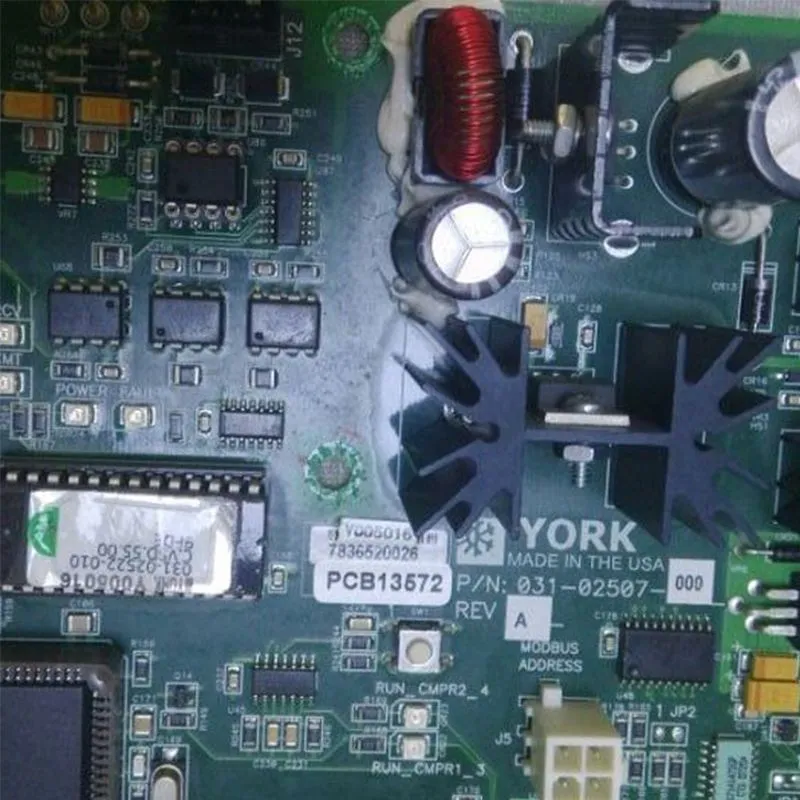
Now that you know the essential tools for working on a logic board, you might be interested in some of the products we offer. We supply a wide range of high-quality logic boards, including the York 031-02430-001 Main Board, York Logic Board, and York 331-02507-601 Logic Power Supply Board. Our boards are carefully tested to ensure they meet the highest standards of quality and performance.
If you're in the market for logic boards or have any questions about our products, we'd love to hear from you. Feel free to reach out to us to discuss your specific needs and requirements. We're here to help you find the right solutions for your projects.
References
- "Electronics Workbench Companion" by Rod Elliott
- "Practical Electronics for Inventors" by Paul Scherz and Simon Monk


